Planes
The Origin Planes every Document has, and the Construction Planes you can add.
Written By Angelo Bartolome
Last updated About 2 months ago
A plane is an infinite flat surface that a Sketch sits on. You don't draw on empty space in 3D: you pick a plane, then draw on it.
You don't have to read this page to start. It explains the three planes you meet first, and how to get more.
Origin Planes
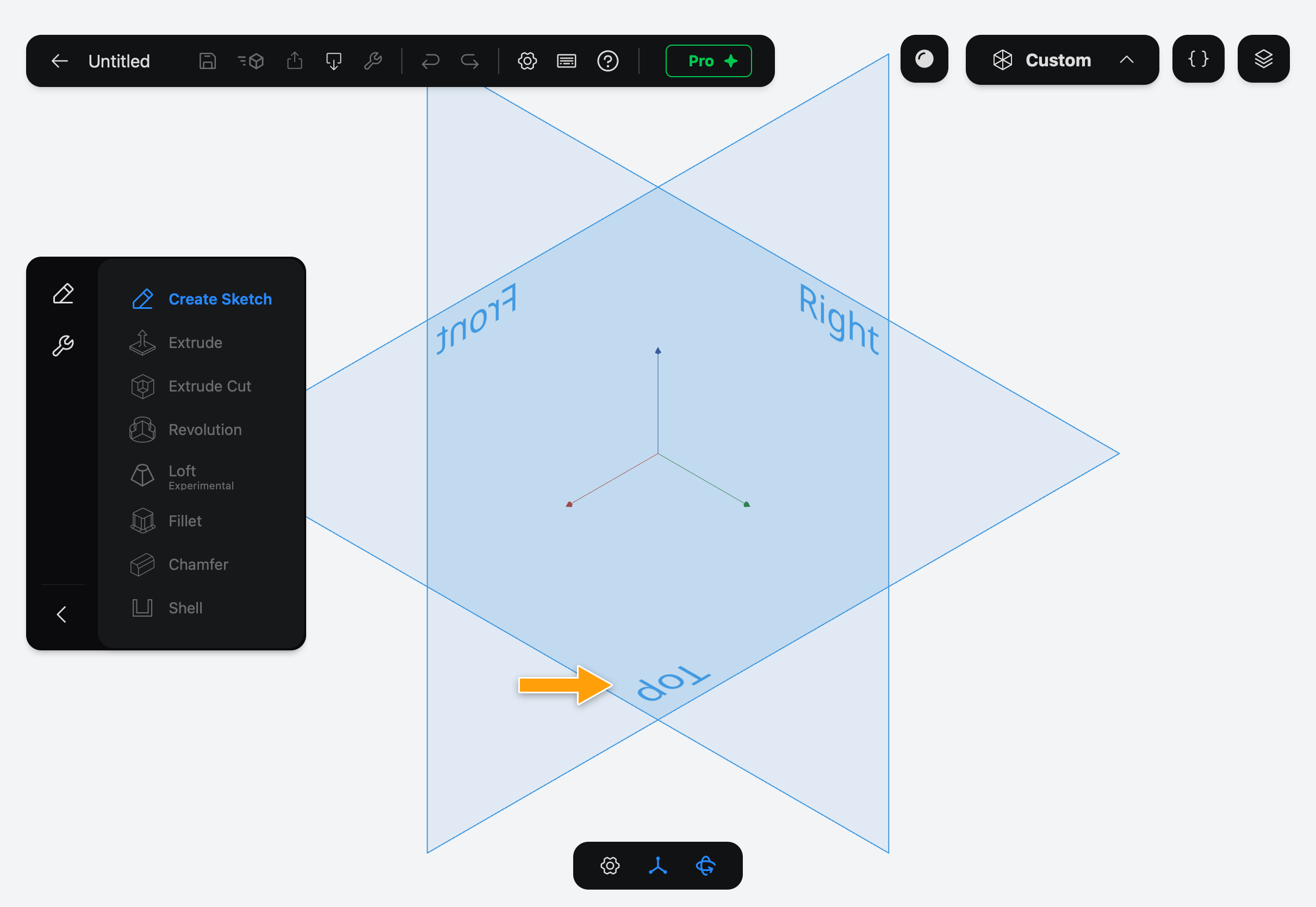
Every Document has three Origin Planes, all passing through the origin:
- Top: the flat one, like a table top.
- Front: the one facing you in the standard front view.
- Right: the one facing the right-hand side.
They appear when you tap Create Sketch. Tap one to start a Sketch on it.
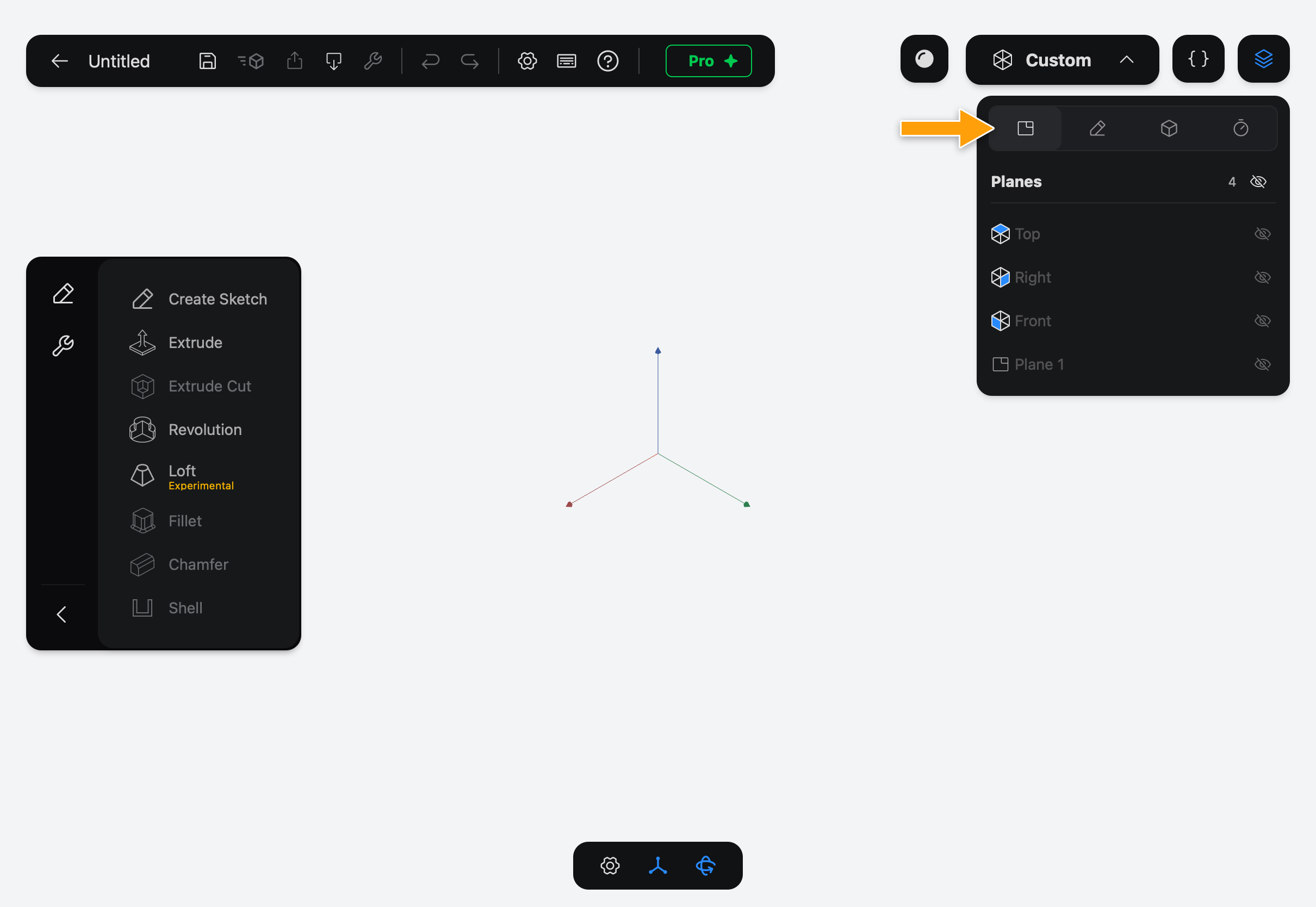
You can also list them: tap the layers icon in the top-right corner, then the Planes tab.
Construction Planes
When none of the Origin Planes or solid faces sits where you need a Sketch, add a Construction Plane. It is placed relative to an Origin Plane, another Construction Plane or a flat face: moved along it and turned. Sketches on a Construction Plane follow it if you change it later.
Construction Planes are listed in the Planes tab next to the Origin Planes.
Flat faces
A flat face of a solid works like a plane too. Tap Create Sketch, then tap the face.
What's next
- Sketches covers what you can do once you're on a plane.
Was this helpful?
Still need help? Share an idea