Circle
Draw a circle from its center and radius.
Written By Angelo Bartolome
Last updated About 2 months ago
Circle draws a circle. You set its center and its size with one stroke.
When to use it
Use Circle for round bosses, round holes' outlines and washers. To place round holes in a solid, you can also use the Hole Tool on a face. For arcs of a circle, use Arc.
Draw a circle
- While you edit a sketch, tap Circle in the sidebar. If you don't see the drawing Tools, tap the pencil icon at the top of the sidebar.
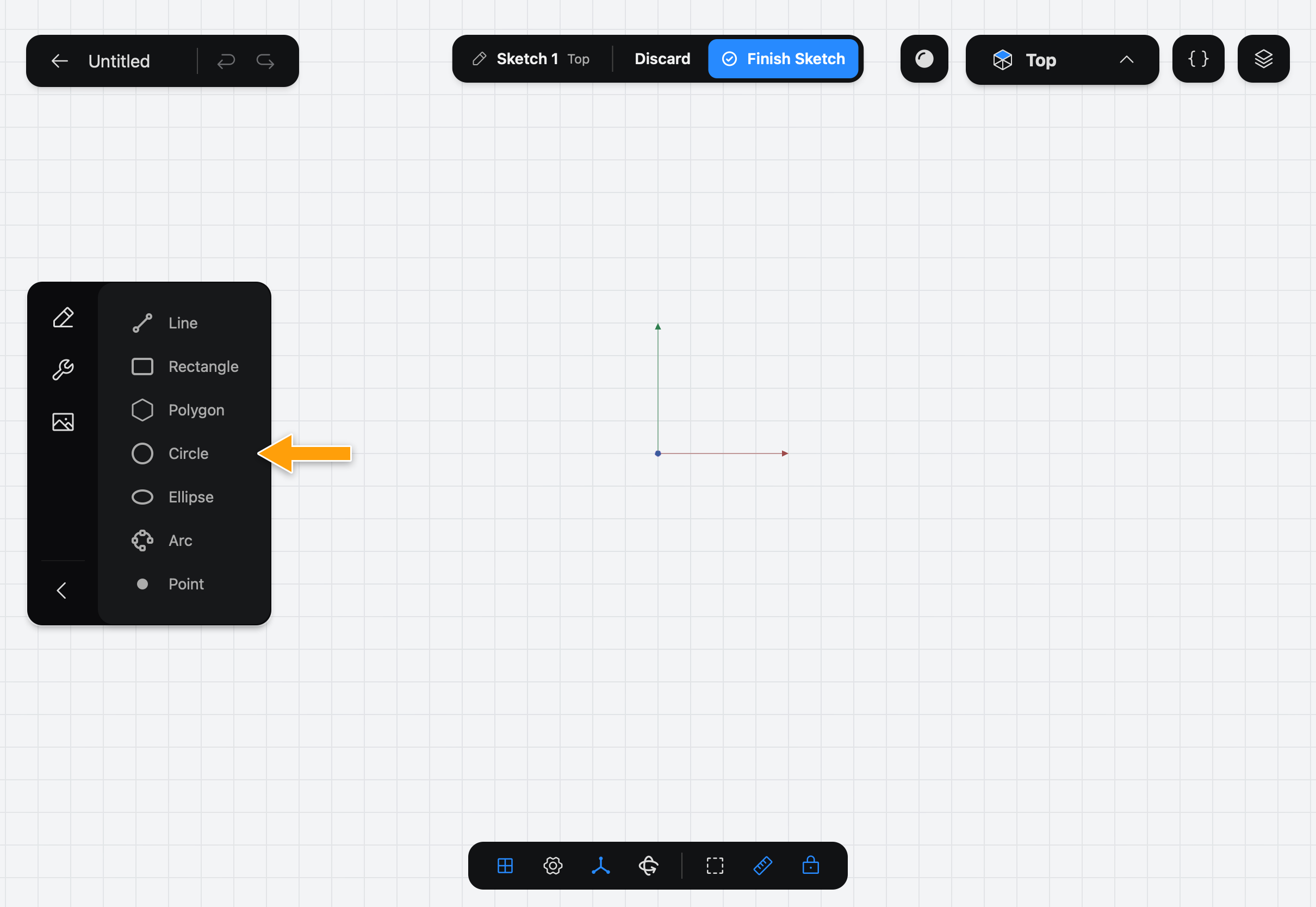
- With the Pencil, press at the center, drag outward, and lift. The distance you dragged is the radius.
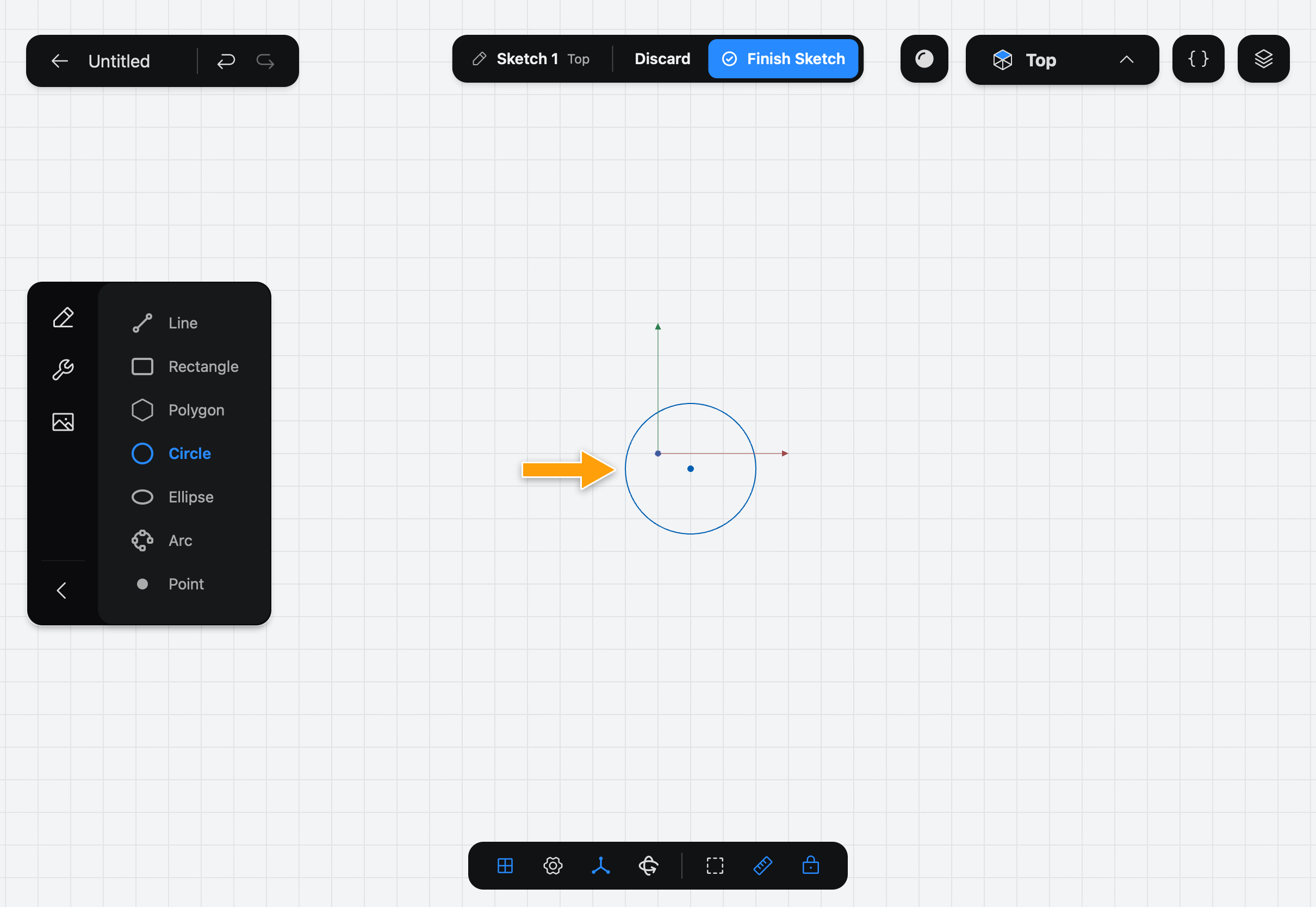
To set an exact size, tap the circle, tap ⋯, pick Diameter, then tap the number and enter the value.
Options
Circle has no options. The keyboard shortcut is C.
Common problems
- The circle isn't centered on the origin: press on the origin when you start. The Pencil snaps to it.
- Nothing was drawn: draw with the Pencil, not a finger.
- I want a circle to touch a line: draw it roughly, then add a Tangent Constraint. See Constraints.
On Mac: click and drag with the mouse instead of the Pencil, and press C to pick the Tool. Pressing the key again puts it away.
Was this helpful?
Still need help? Share an idea