Mirror (Sketch)
Copy shapes as a mirror image across a line.
Written By Angelo Bartolome
Last updated About 1 month ago
Pro: Mirror (Sketch) is part of Part3D Pro.
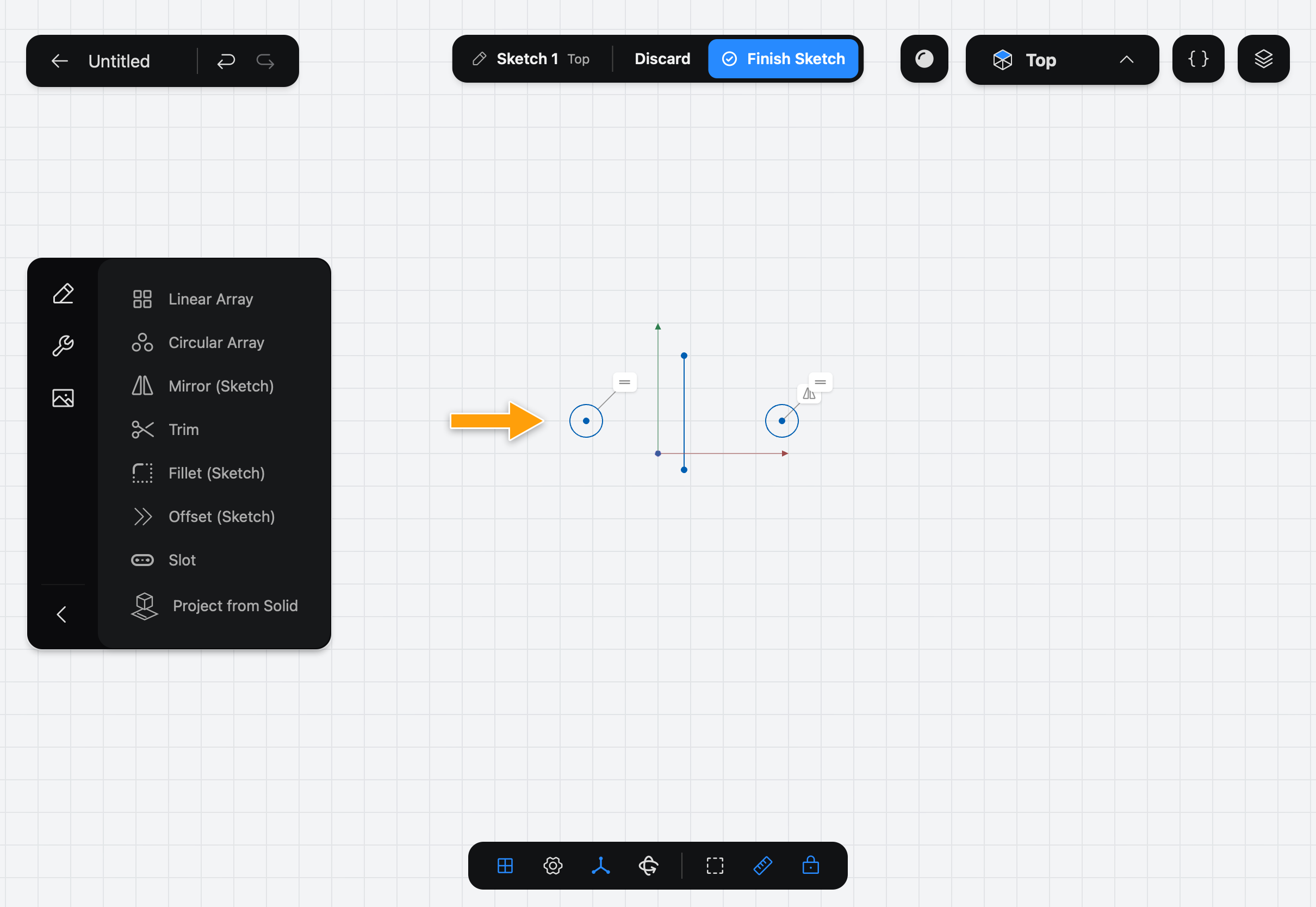
Mirror (Sketch) copies shapes in a Sketch as a mirror image across a line. The mirror image stays tied to the original.
Mirroring a solid? See Mirror.
When to use it
Use Mirror (Sketch) for symmetrical outlines: draw one half, mirror it across the middle. It also turns Text back to front, for stamps and molds. For repeated, not mirrored, copies, use Linear Array or Circular Array.
Mirror shapes
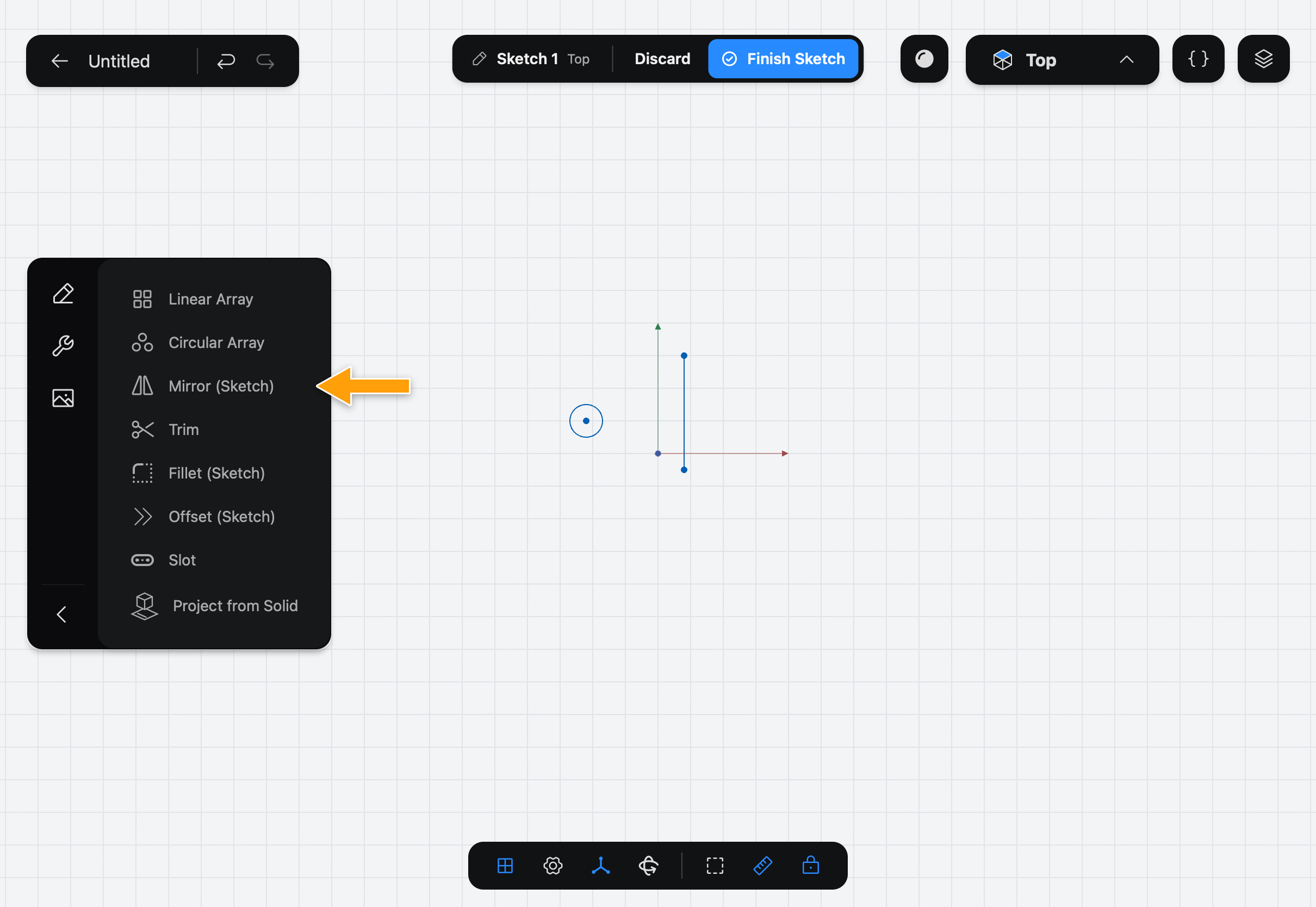
While you edit a sketch, tap the wrench icon at the top of the sidebar to show the sketch Tools, then tap Mirror (Sketch).
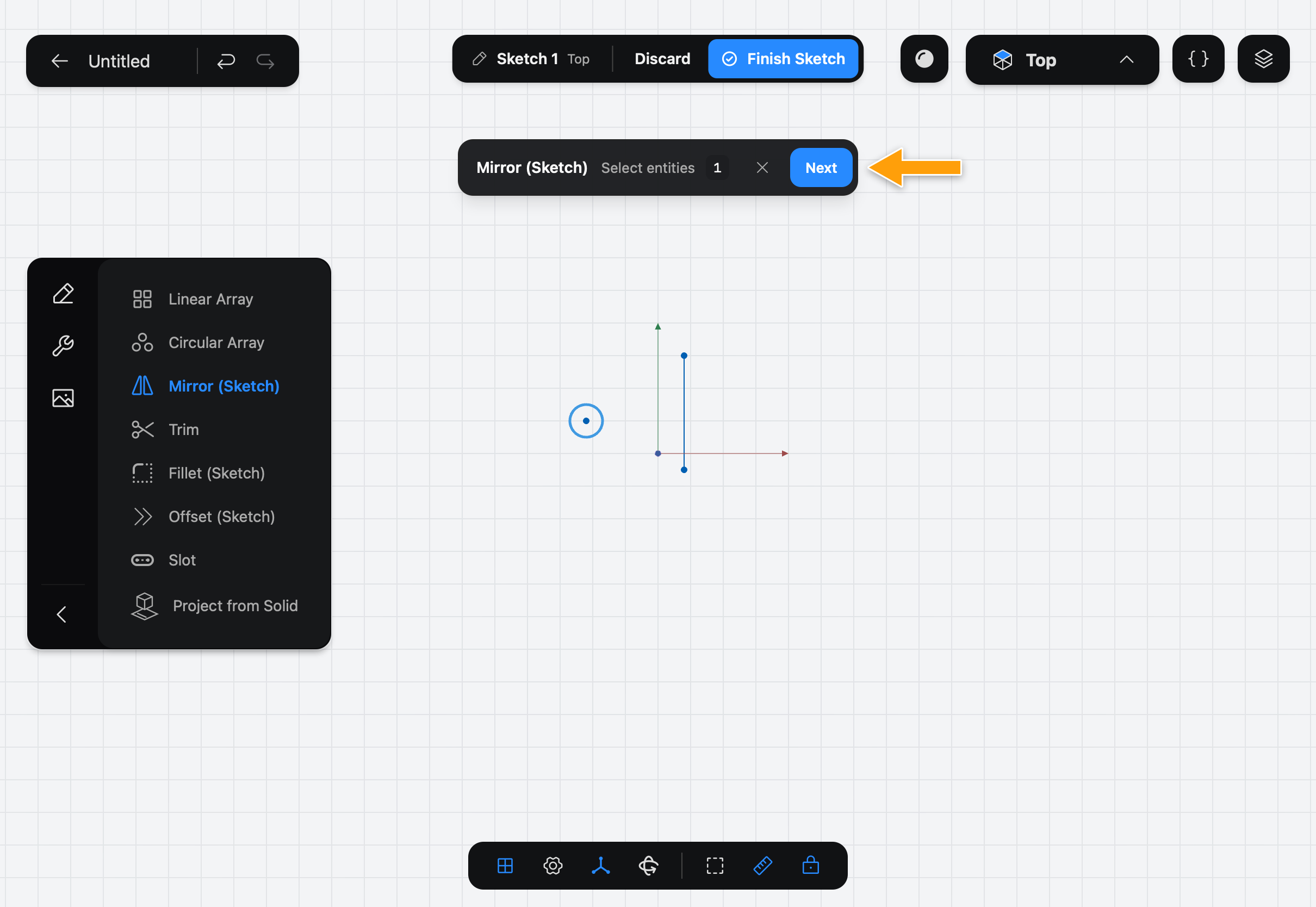
The step bar shows Mirror (Sketch), Select entities. Tap each shape to mirror, then tap Next. If you picked them before opening the Tool, it skips this step.
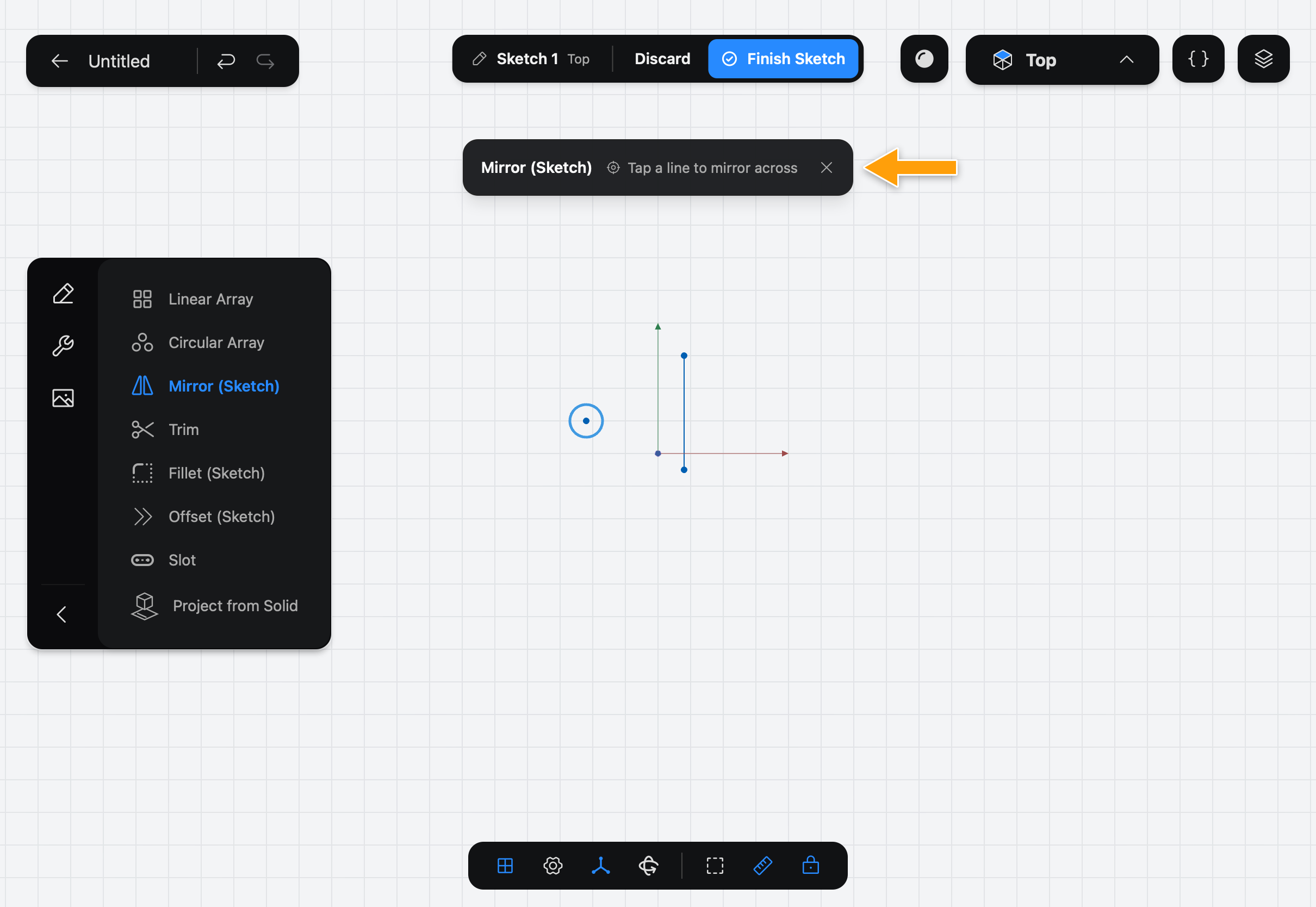
The bar asks you to Tap a line to mirror across. Tap the line that acts as the mirror. It can be any line in the Sketch, such as one you drew for the purpose.
The mirror image appears as a preview. The round handle at the end of the mirror line picks another line instead.
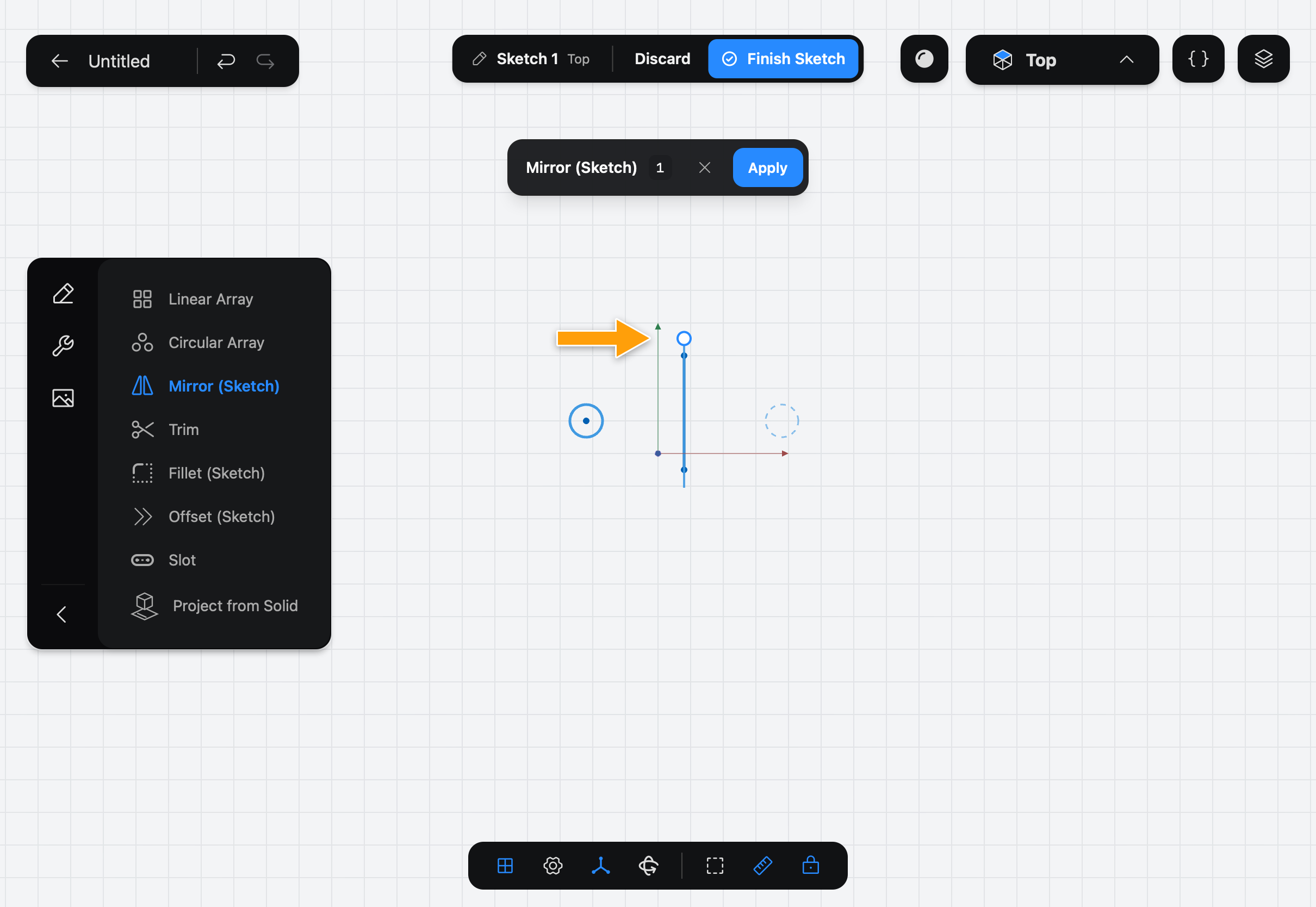
Tap Apply.
Options
Mirror (Sketch) has no values to set. The ✕ in the bar cancels the Tool.
The mirror image is linked to the original by a Constraint: change the original and the copy follows. To free it, select it, tap ⋯ and pick Detach from Mirror.
Common problems
- Next stays greyed out: pick at least one shape first.
- The image is on the wrong side: you picked the wrong mirror line. Tap the handle and pick another, or tap Keep Current.
- There's no line to mirror across: draw one with Line first, and make it construction geometry with Construction in the ⋯ menu if you don't want it in the outline.
On Mac: click wherever this page says tap.
Was this helpful?
Still need help? Share an idea